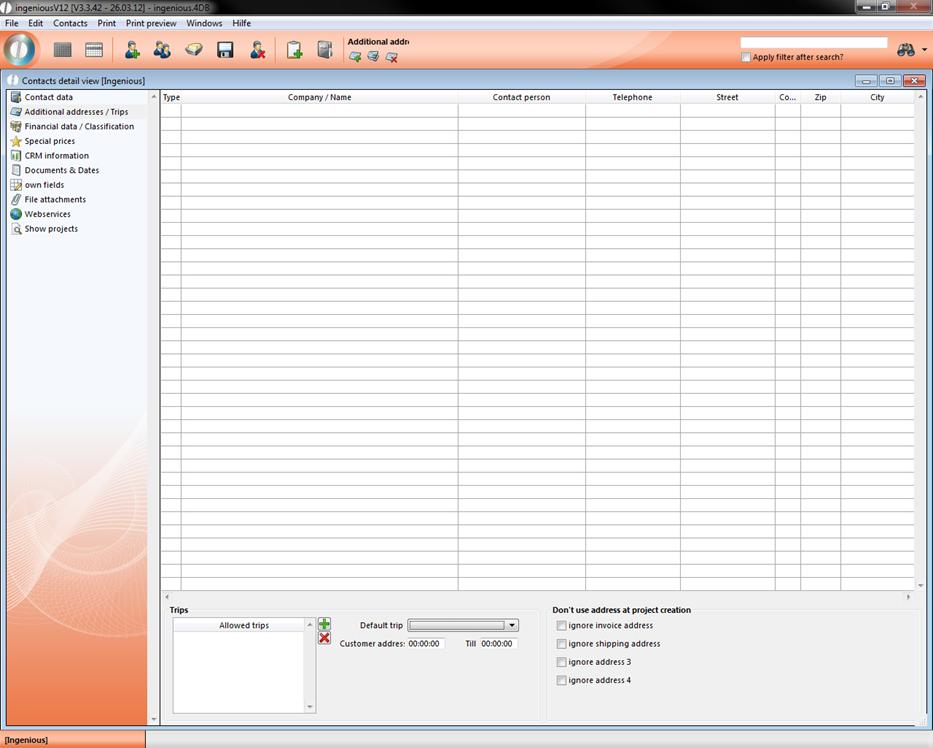
Under the area “Additional Addresses/Trips”, you can add other possible company addresses or basic addresses, such as possible delivery Trips, to the existing contact information.
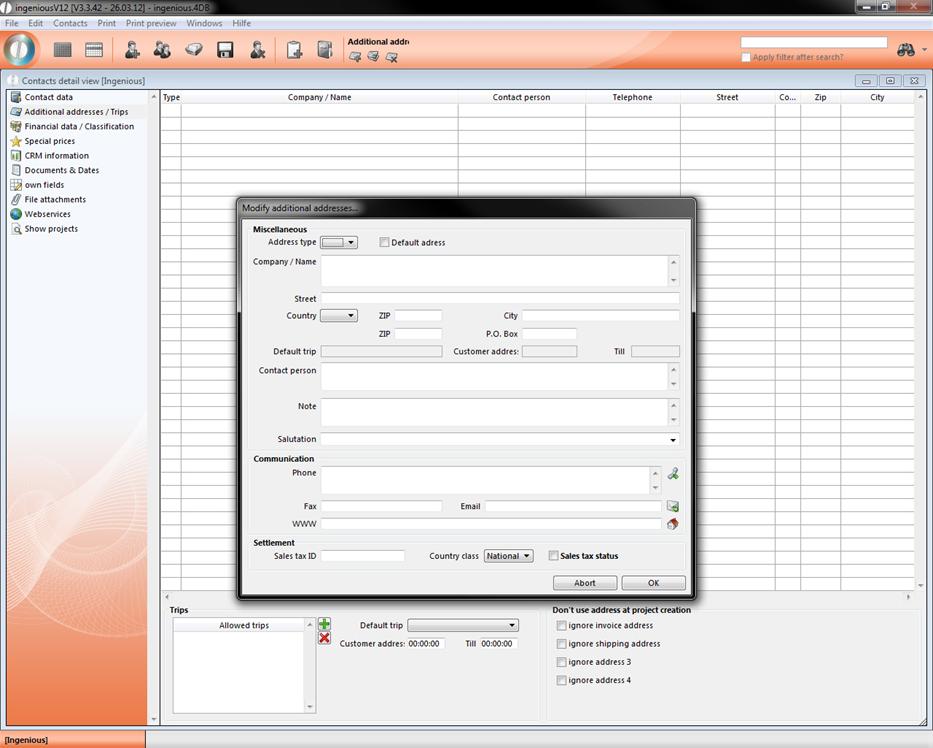
In order to add an additional address, click on the icon  “Add new address”. In the window that appears, you can indicate an address, contact, contact forms and accounting modalities. You can open the data entered here when printing the project documents with the pertinent placeholders.
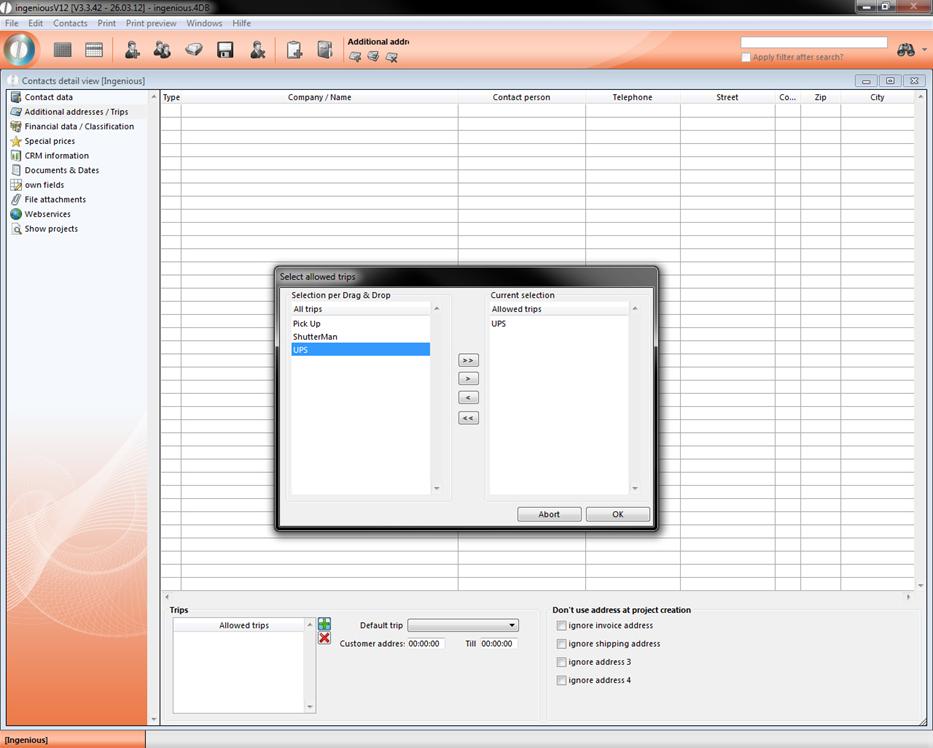
In the lower part of the detail view, the standard Trip will be specified, and other allowed trips can be offered. You can provide the trips and the pertinent delivery dates in the program settings.
You can add an admissible trip with the  button and delete it with the
  button. In the window “Select allowed trips”, you can now pull the desired route with the Drag & Drop function into the right window.
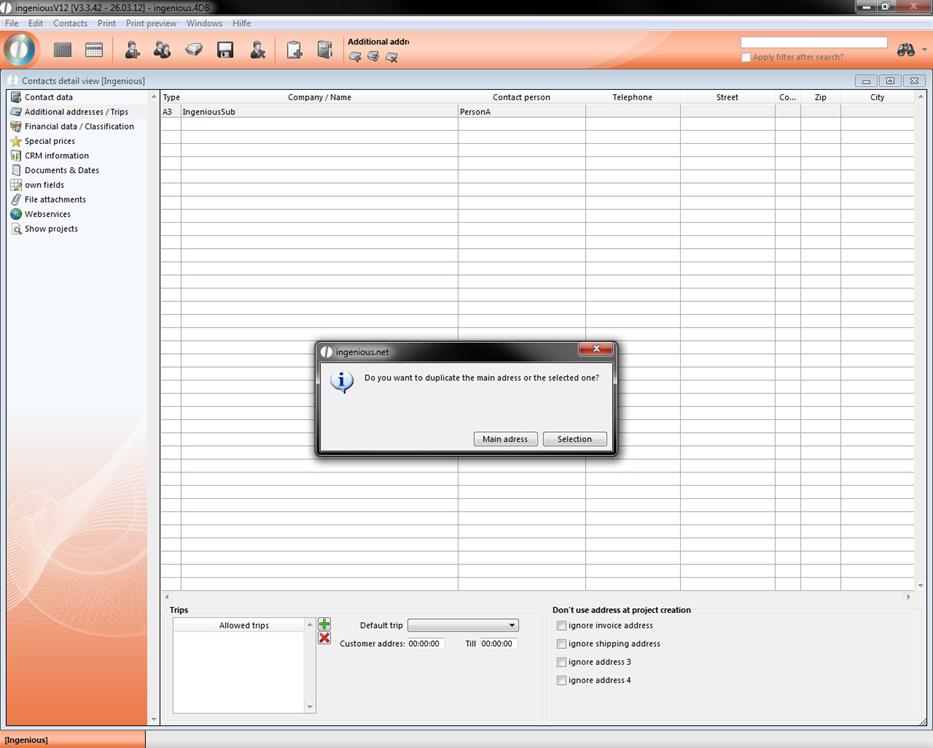
When you want to create a additional address, you can also duplicate the main address of the contact or an already created one by clicking the  button.